One photo, many styles
Pick up to 6 styles for a single photo. The results come back together, so you can compare them before you download.
Cookie choices
Necessary cookies support login, payments, and security.
Optional analytics help us improve the product.
Current analytics: not set · Cookie Policy
Upload a photo and see it in up to 6 of 24 styles side by side from a single run, or describe an edit in plain words. Your subject and composition stay; only what you ask for changes.
Your photos
Up to 10 photos and 6 styles in one run. Every photo gets every style, up to 24 images.
JPG, PNG, WebP, HEIC, AVIF, GIF, BMP or TIFF, up to 8 MB each.
No photo handy? Try one of ours
Styles
3 of 6 pickedApplied to every style you pick.
After the run
Your photos and the PNG results are saved to your Library. Delete any of them there whenever you like.
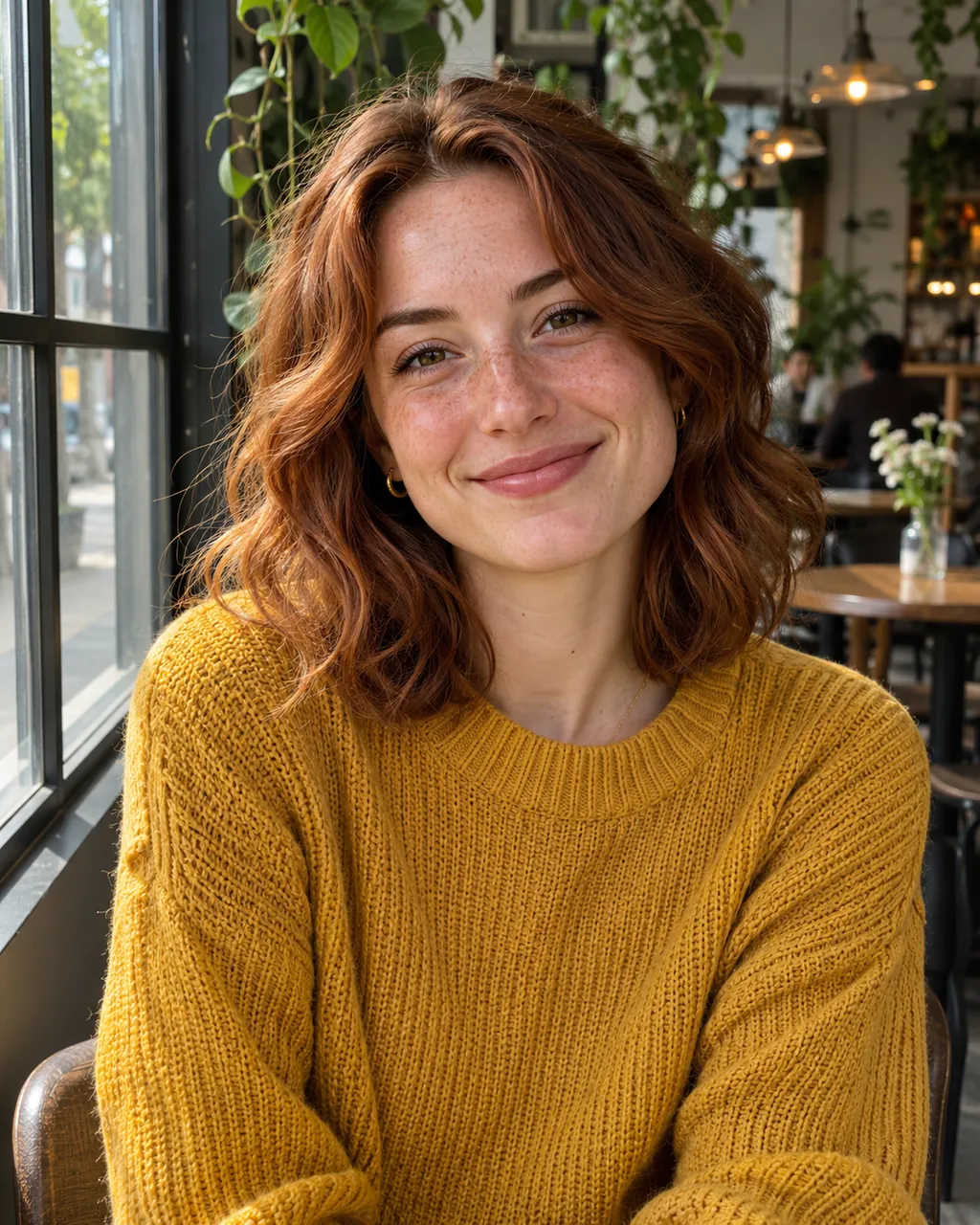
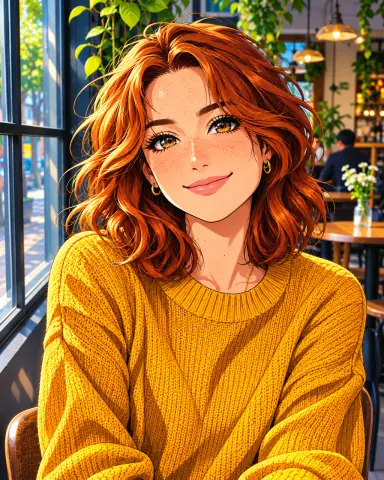
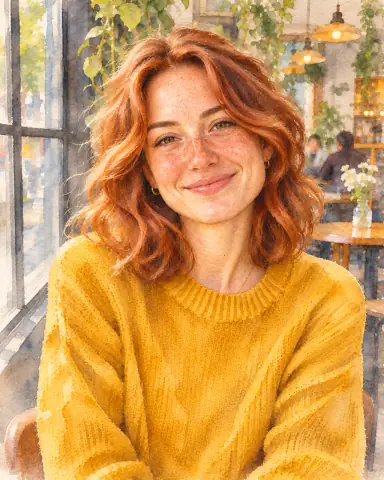
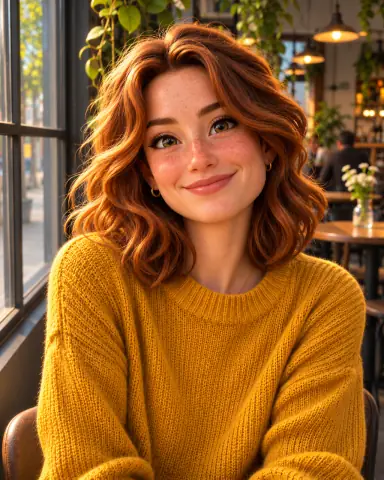
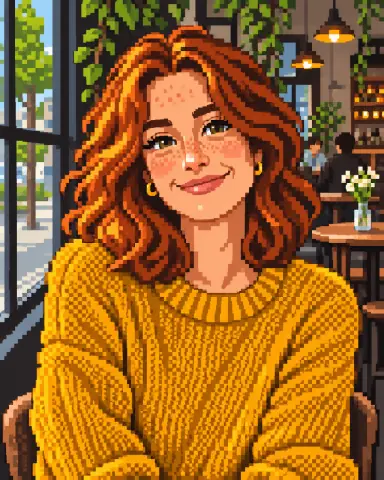
The same portrait in every style Restyleo offers, so you judge each style on one face instead of a hand-picked showcase. Pick a frame to load that style into the tool.
The sample portrait is AI-generated and shows no real person.
Restyleo's image to image generator runs a grid: every photo you add comes back in every style you pick, up to 24 images per run. Fill one row, one column or the whole grid; the cost is always photos × styles × the price of the output size.
Pick up to 6 styles for a single photo. The results come back together, so you can compare them before you download.
Add up to 10 photos and pick one style. Every photo gets the same treatment, which is what you want for a matching set of profile pictures or a series of posts.
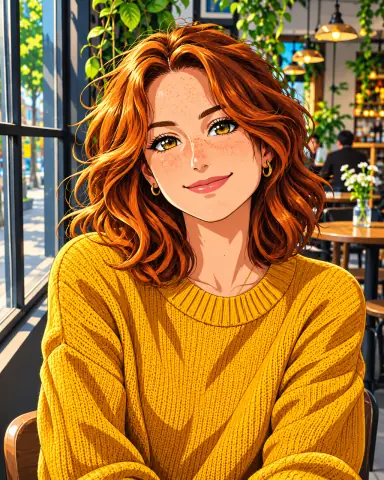
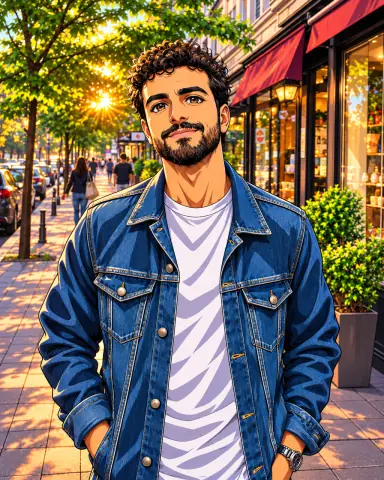
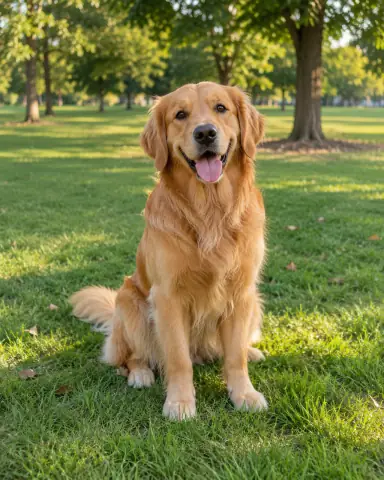
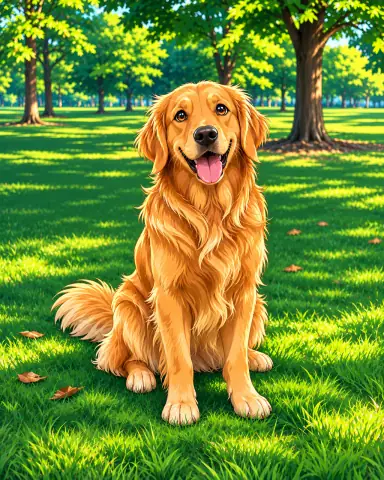
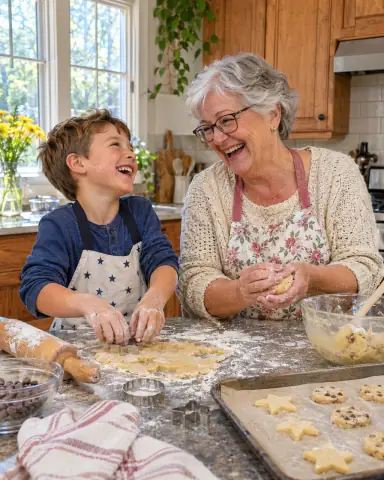
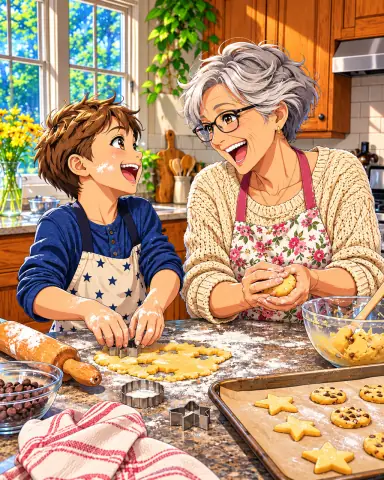
Four photos in Anime at 1K: 4 credits.
You don't have to pick a style. AI image to image editing also works from plain words: describe the change and say what must stay the same. As with any photo to photo AI tool, the more specific that list, the less the rest of the photo drifts.
Change the part you want different to how it should look. Keep everything that must stay exactly the same.
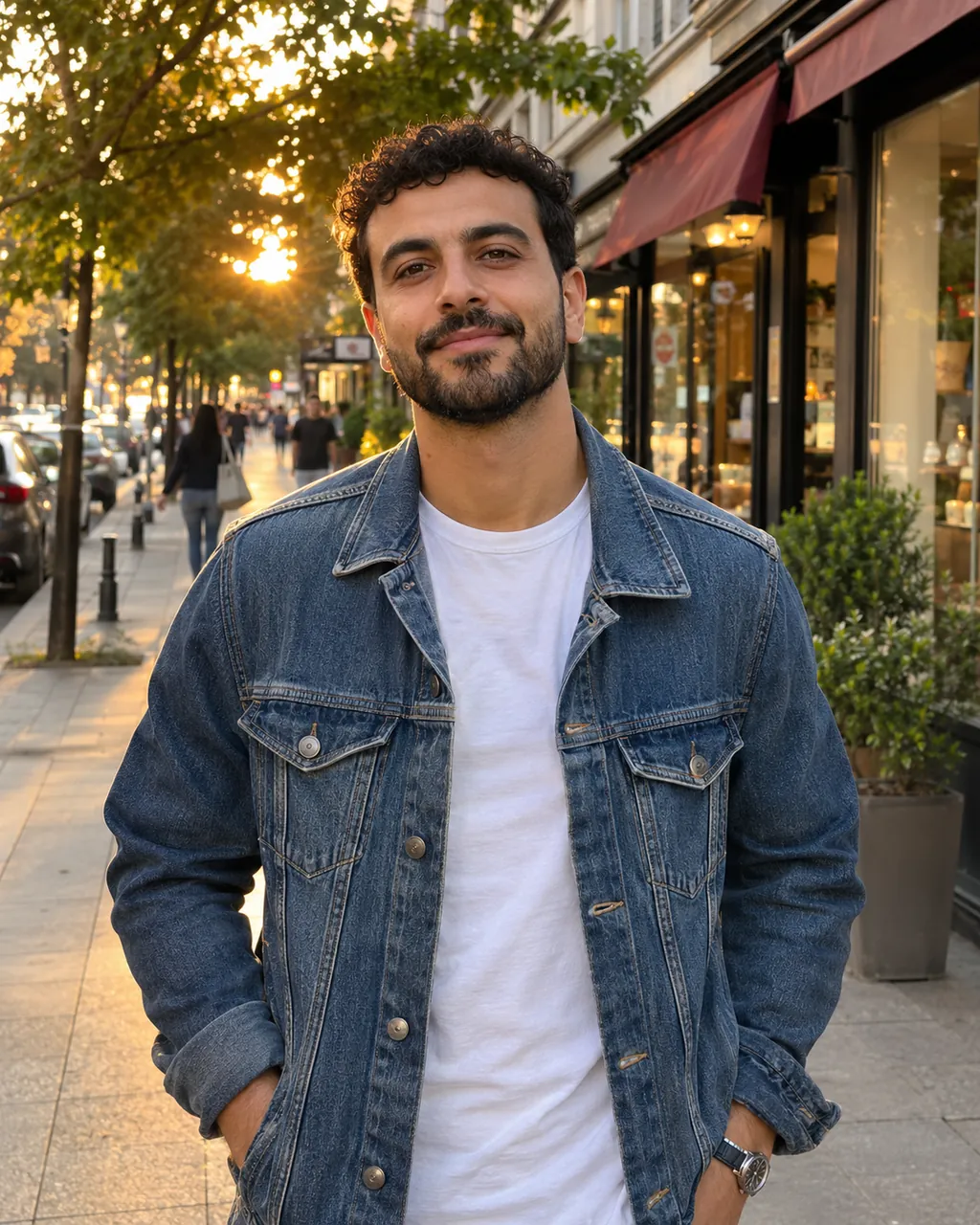
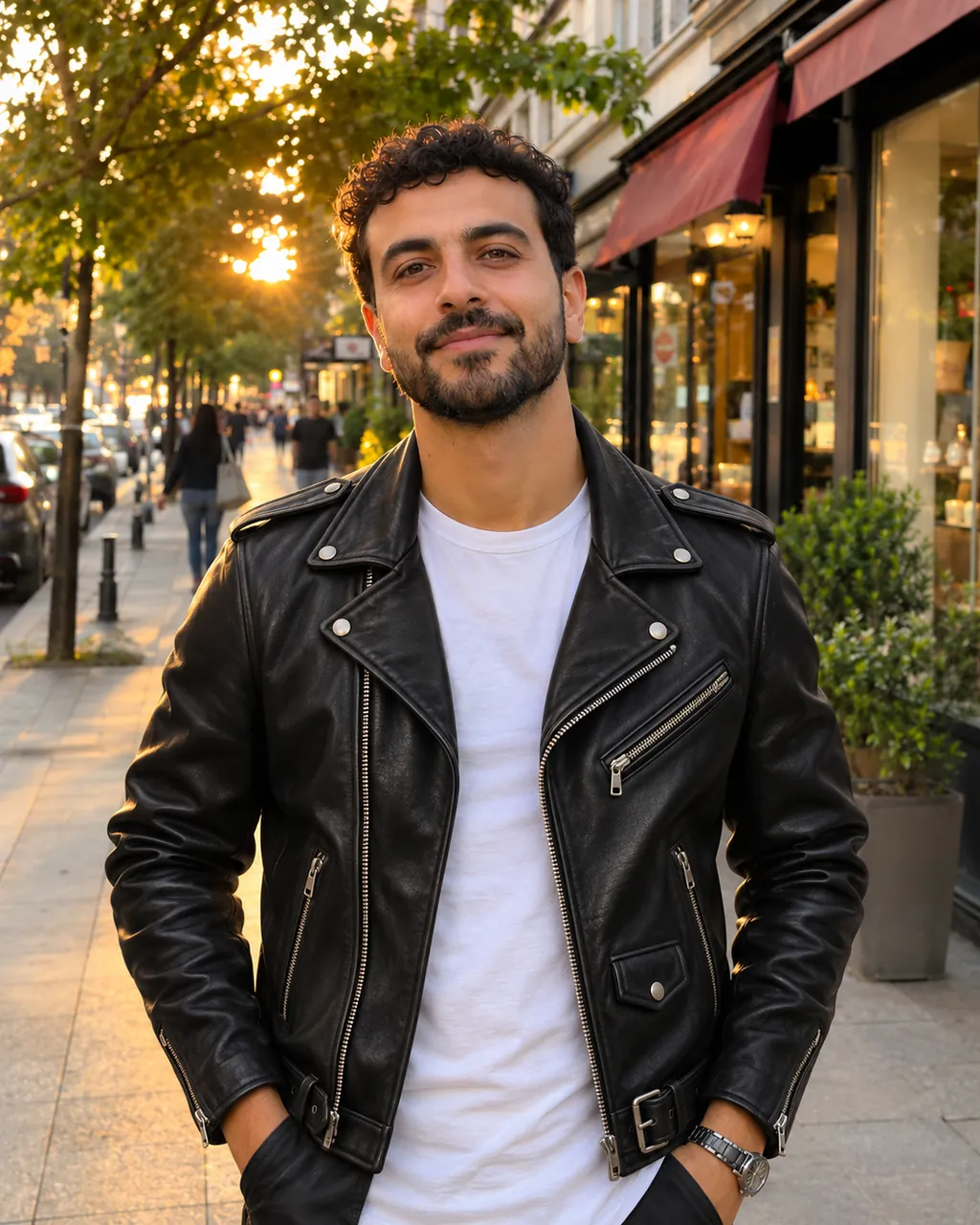
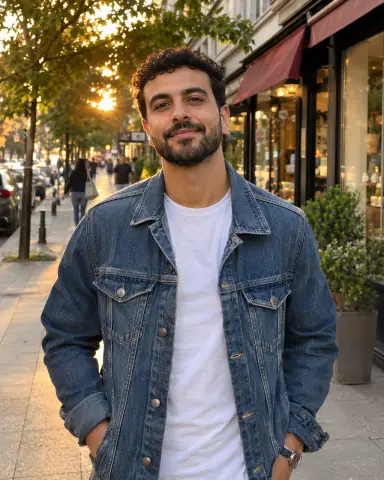
Change his denim jacket to a black leather biker jacket. Keep his face, hair, beard, pose, the street background and the golden-hour lighting exactly the same.
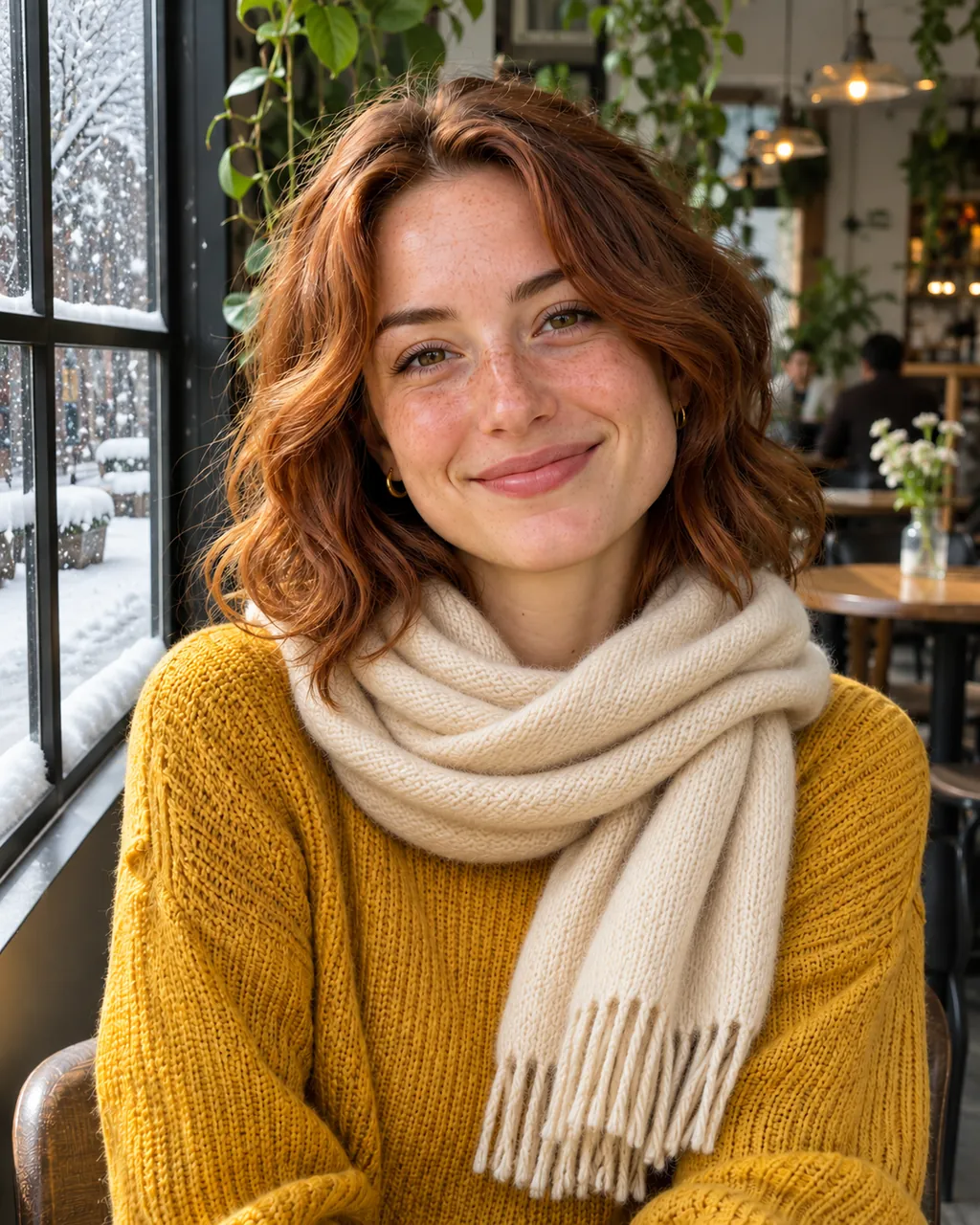
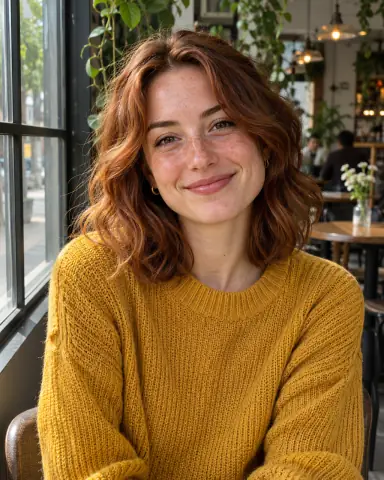
Make it a snowy winter day outside the café window and put a cream wool scarf on her. Keep her face, hair, smile, sweater and the café interior unchanged.
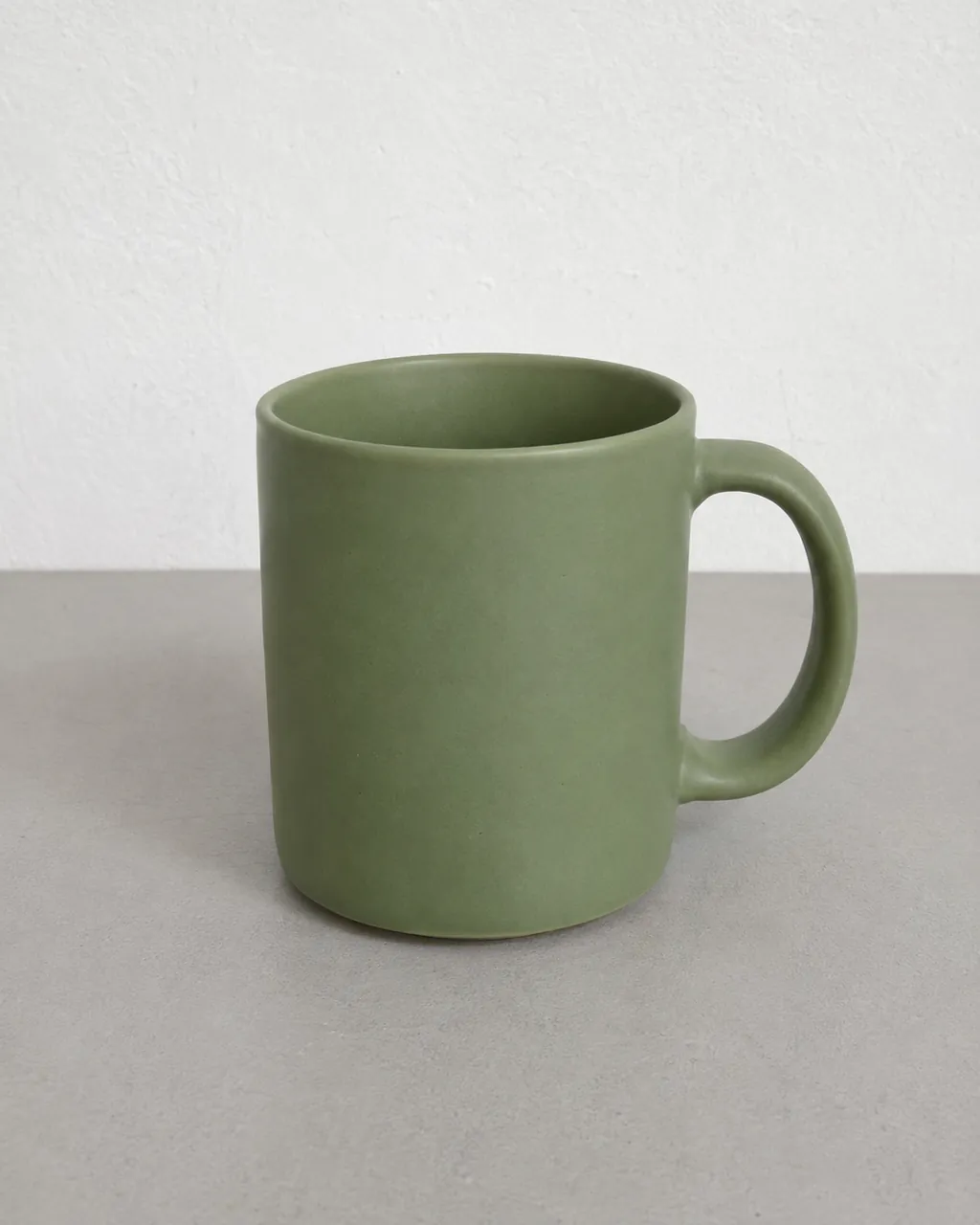
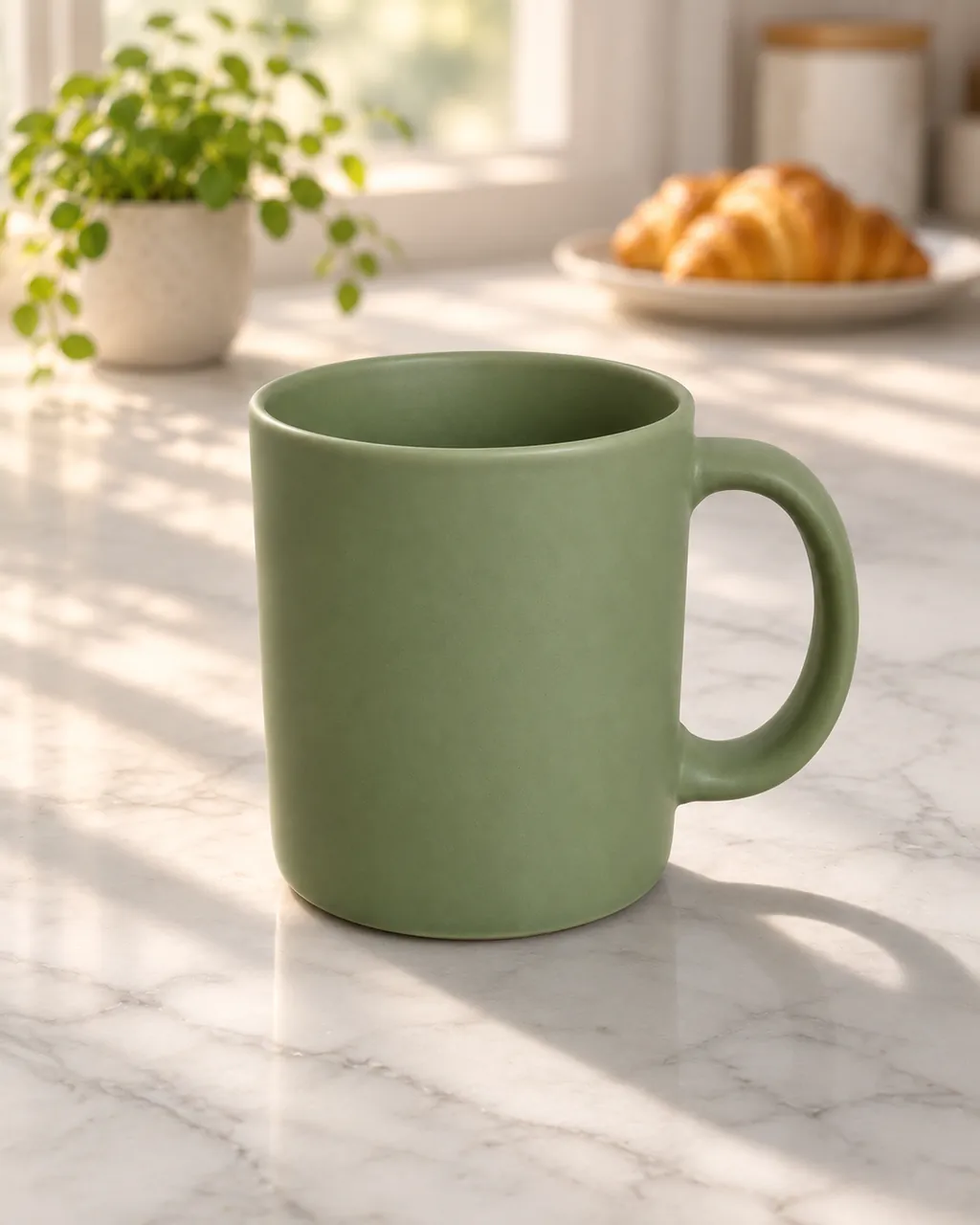
Place this exact mug on a white marble kitchen countertop with morning sunlight, a small plant and a plate of croissants softly blurred in the background. Keep the mug's shape, color and texture identical.
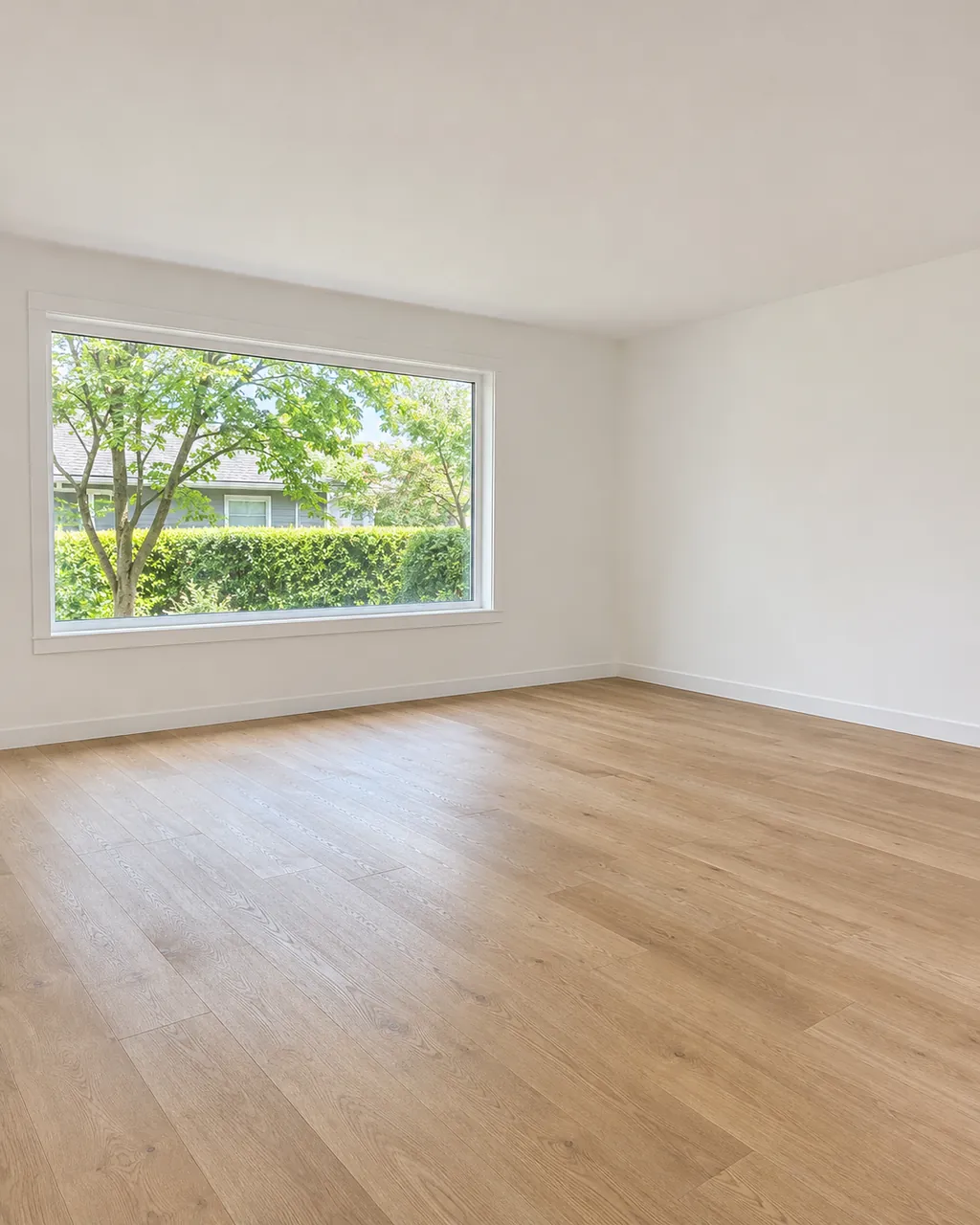
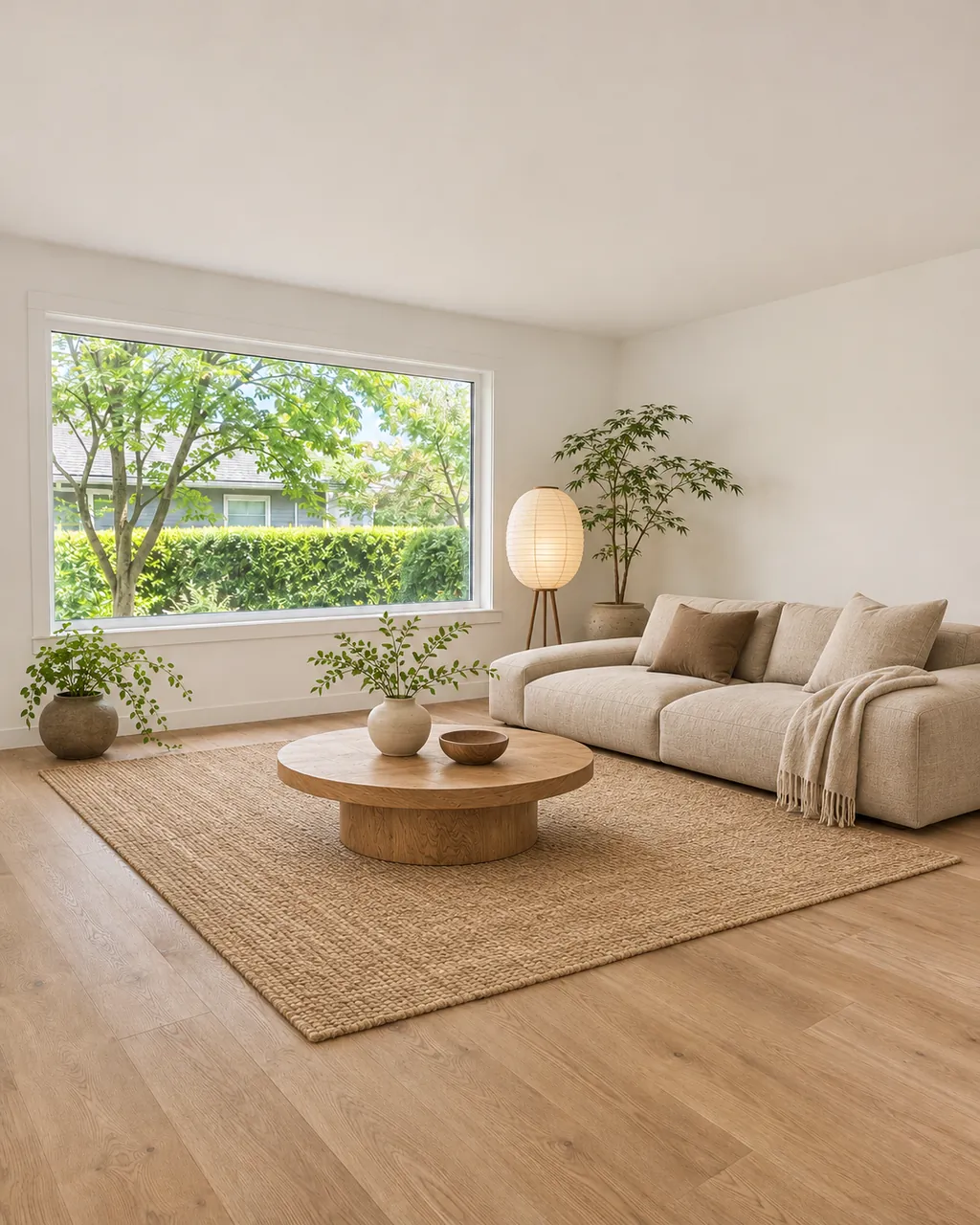
Furnish this empty living room in Japandi style: a low beige linen sofa, a round oak coffee table, a jute rug, a paper floor lamp and a few plants. Keep the walls, window, floor and camera angle the same.
In image to image AI, the style or prompt is only half the result; the photo you start from is the other half.
Some styles change faces by design: Chibi enlarges the head and Pixel Art reduces a face to a few pixels, so expect a looser likeness there.
Every image costs credits by output size. Nothing else is charged: picking styles, writing instructions and viewing samples are free.
| Output size | Credits per image | Available on | Good for |
|---|---|---|---|
| 1K | 1 | Everyone | Social posts and profile pictures |
| 2K | 3 | Paid plans and packs | Wallpapers and small prints |
| 4K | 5 | Pro and Max | Large prints and close crops |
1K, 2K and 4K are the approximate length of the long edge: about 1,000, 2,000 and 4,000 pixels.
Image to image AI, often shortened to img to img AI, starts from a picture you already have instead of a blank canvas. It reads the photo's subject, pose and composition, then draws a new image that keeps those and changes what you ask for: the art style, the background, an outfit, the season. On Restyleo you ask by picking a style, by writing an instruction, or both.
Text to image invents everything from your words, so the person, the pose and the framing come out different every time. An AI image generator from image takes your photo as the blueprint: the layout and subject stay, and only the look or the parts you name change. That is why it suits restyling a portrait, a pet or a product you already photographed.
Yes. Pick up to 6 styles for one photo and they all come back from the same run, side by side. Each style is one image, so 6 styles at 1K cost 6 credits.
Comic Book, Manga, Anime, Webtoon, Superhero, Soft Anime, Cartoon, Chibi, Scribble, and Cyberpunk are free on every account. 13 more come with any paid plan, and Storyboard comes with Pro and Max.
Start from a sharp, well-lit photo where your face is clearly visible and facing the camera. If something important drifts, add it to the instructions, for example "keep my face, glasses and hairstyle the same". Styles that exaggerate by design, like Chibi or Pixel Art, will always look less like the original than Webtoon or Realistic.
Yes. Add up to 10 photos and pick one or more styles: every photo comes back in every style you picked, in one run. A run can make up to 24 finished images in total (photos × styles), so the more photos you add, the fewer styles fit.
One image costs 1 credit at 1K, 3 at 2K and 5 at 4K. New accounts start with 10 free credits. If an image fails to generate, its credits are refunded to your balance automatically.
JPG, PNG, WebP, HEIC, AVIF, GIF, BMP or TIFF, up to 8 MB per photo and 10 photos per run. Results download as PNG files at 1K, 2K or 4K, about 1,000, 2,000 or 4,000 pixels on the long edge.
Yes, on every plan, including the free sign-up credits, as long as you have the rights to the photos you upload; Restyleo claims no rights in the images you make. Downloads carry a small corner watermark on unpaid accounts: a credit pack removes it for a year from purchase, and a plan while it is active.
They are saved to your Library next to the images you made from them, so you can restyle them again without re-uploading. Delete any photo or result there whenever you like. To make your images, the photo is sent to the AI provider that draws them; deleting removes the copies Restyleo stores.
General chat assistants can restyle a photo if you describe the look well. Restyleo is built for this one job: 24 ready-made styles, each written to keep your subject and composition; several styles from one upload in a single run; the same style across a batch of photos; and automatic refunds when an image fails.
Your photo, 24 ways
Start with a sample, or bring your own photo.